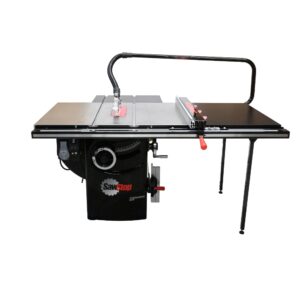
Dados have been a common feature in American workshops for years, but are much less common in Europe, with many people even thinking they are not allowed and are unsafe. For many of our customers though it’s been the first upgrade they are making with the SawStop Professional Cabinet Saw and one of the most common areas we get asked about now that it’s possible here too.
Let’s explain why they can be a great addition to your toolkit and how you can use them for your woodworking projects.
- What are dados and how would I use them?
- Are Dado’s illegal in Europe? Why haven’t we been able to do them before?
- Why should I use a table saw instead of a router or just multiple cuts?
- What size of dado cuts can I make?
- What do I need to do dados on the SawStop Professional Cabinet Saw?
- Will the SawStop safety system still work?
- Can I use dado blades from other manufacturers?
- How would I use the dados on my Professional Cabinet Saw?
- Can I do dados on any of the other SawStop saws?
- Can I upgrade my Professional Cabinet Saw to do dados later, rather than deciding now?
1. What are dados and how would I use them?
Dados are flat-bottomed cuts on a workpiece that would be wider than a normal cut, making a channel. Strictly a dado is a cut across the grain and a groove is a cut with the grain, and in some countries they may also be called trenches.
Dado blades though can essentially be used to cut channels (dados or grooves) but also can be used to cut rebates (or rabbets as they are known in the US) – so to make things simple, many people just talk about cutting dados, and this can be a really useful cut in furniture building to join boards when cabinet making for fitting panels, making dividers, housing shelves and there can be many other creative uses of course.
2. Are Dado’s illegal in Europe? Why haven’t we been able to do them before?
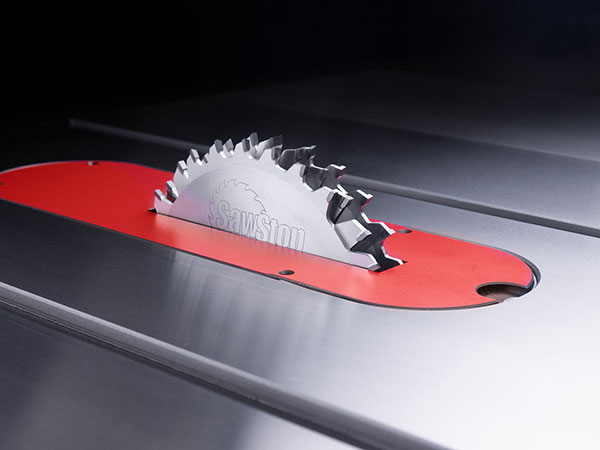
Dados themselves are not illegal in Europe. However, woodworking machines must comply with the European Machinery Directive (2006/42/EC) and related safety standards in order to carry the CE marking. One of the key requirements of these regulations is that the blade must be properly guarded during operation. Many traditional table saw designs cannot safely guard the wider dado blade stack, which is why dado use has historically been uncommon on CE-certified machines.
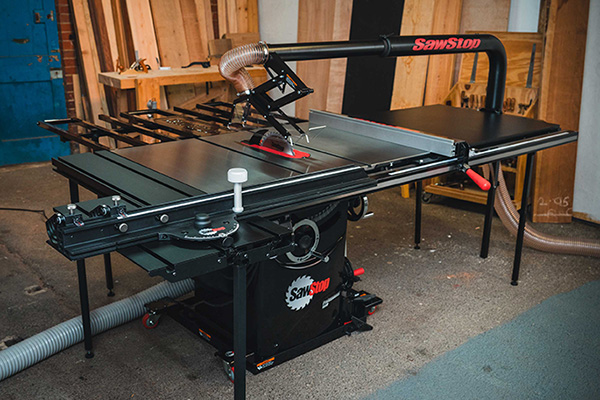
Dado blade stacks also have greater mass and inertia than a standard blade, which increases the potential risk if the blade is not properly enclosed. With the introduction of the SawStop Floating Overarm Dust Collection Guard, the Professional Cabinet Saw can maintain proper blade guarding during dado operations, allowing the machine to remain compliant with European safety requirements while still enabling these cuts.
3. Why should I use a table saw instead of a router or just multiple cuts?
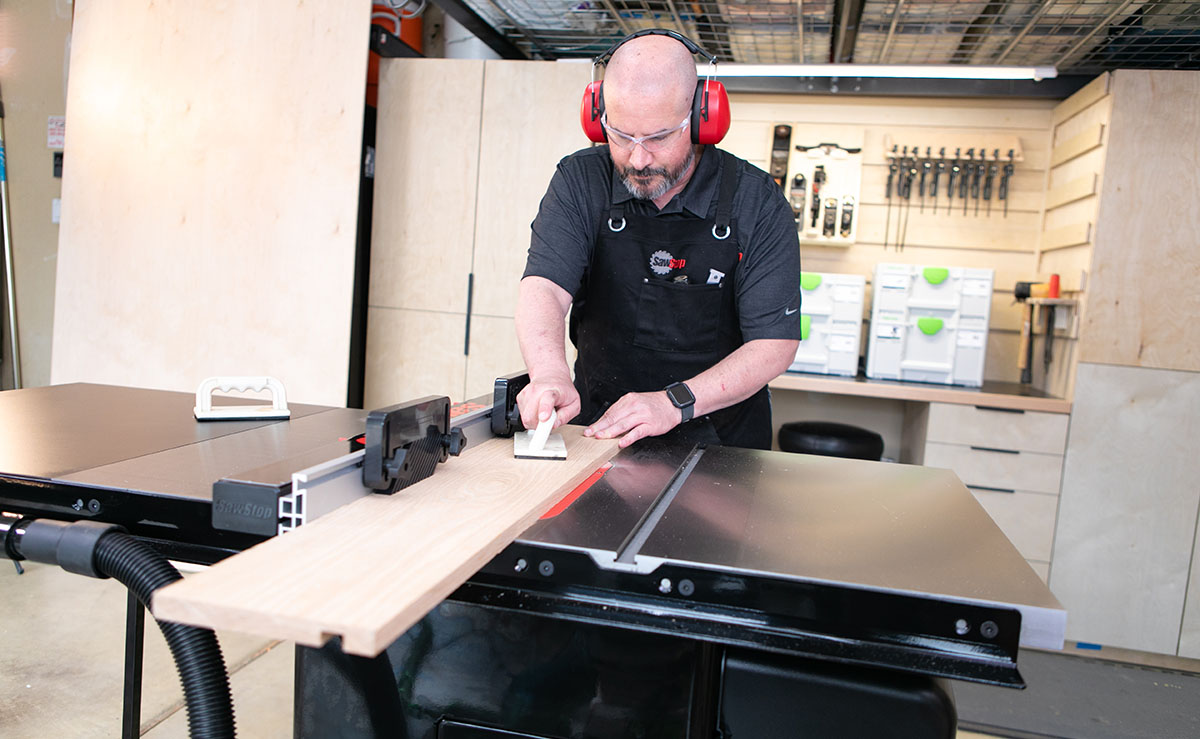
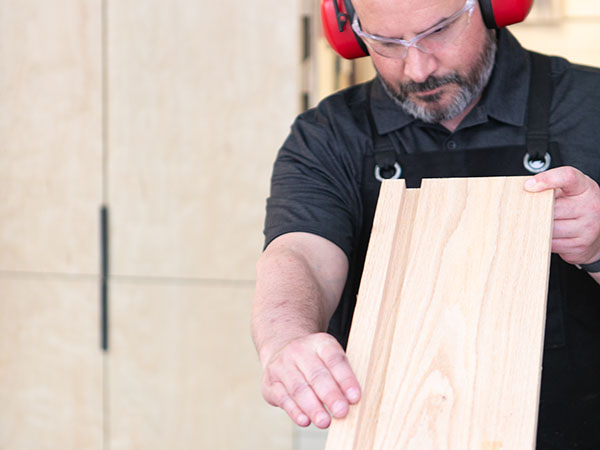
Many people are indeed using routers to do the same thing, or sometimes just making multiple cuts using the kerf of the blade to widen the cut as needed, but there are a few major advantages to now being able to cut dados on the SawStop Professional Cabinet Saw. For one, the additional power of the table saw vs a router means there is much less stress being put on the motor, secondly that power combined and simplicity of being able to finely adjust the width of the cut is going to make the operation faster, especially when you have a lot of cuts to make, and finally you also are likely to be able to make more accurate and cleaner cuts using the dado blades and the stability of the saw and rock-solid T-Glide Advance Fence.
4. What size of dado cuts can I make?
The SawStop 8-inch dado blades can support cuts from 6.35mm to 23mm, and can be finely adjusted with the use of different thicknesses of choppers between the 2 dado blades and small shims or spacers provided. There are clear guides in the box that help you find the exact combination to make just the right width you need.
5. What do I need to do dados on the SawStop Professional Cabinet Saw?
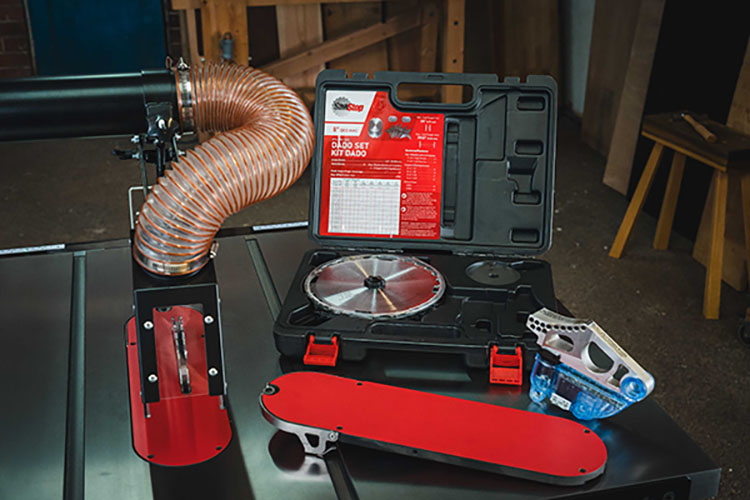
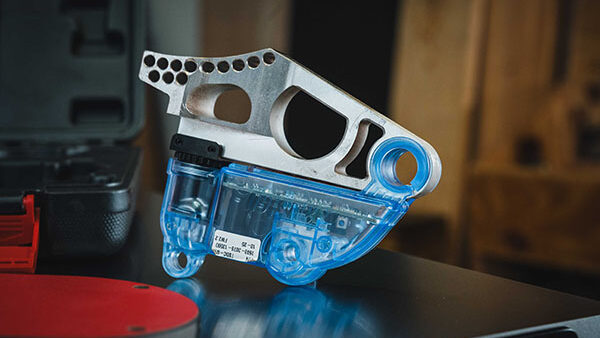
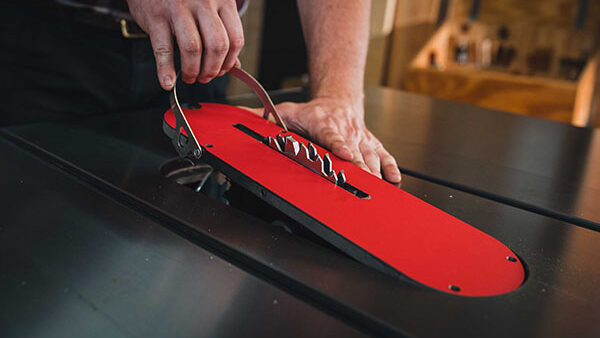
You’ll need a set of dado blades of course, but you will also need a special brake cartridge for the dados which is wider as well as a different geometry to support the smaller 8-inch blades rather than the usual 254mm or 250mm blades used for most other cuts. As dados are making wider cuts, you’ll also need a different insert plate which can be cut to whatever size you need, and some people may want to have a few of these to keep a tight clearance. To be legally compliant you will also need the Floating Overarm Dust Collection Guard, replacing the standard Overarm Dust Collection and MicroGuard, and we have configured all of these in upgrade packages to make it easier for you.
6. Will the SawStop safety system still work?
Absolutely – the SawStop AIM system will still work to stop dado blades within a fraction of a second in the event of skin contact.
Even with the additional mass of a full dado stack the AIM system would kick-in to stop the blade and drop them below the table to keep you safe. There would be no additional damage to the saw and you can reset the system just as you would with an activation on normal blades.
7. Can I use dado blades from other manufacturers?
Yes, just like with normal blades you can use metal dado blades from other manufacturers as long as they have a 5/8 bore to fit on the Professional Cabinet Saw arbor (the 30mm washer which can be used on normal blades can’t be used with a dado stack). For best compatibility we do recommend using the SawStop Premium 8-inch dado blades though and these come in a very handy case where you can also store your dado brake so you have everything you need to hand.
8. How would I use the dados on my Professional Cabinet Saw?
It’s very simple to use dados on the Professional Cabinet Saw with Floating Overarm Dust Collection Guard, just requiring you to swap out your normal brake cartridge with the dado brake cartridge, then install your dado blades in the width you need and then finally install your dado insert plate.
There is no other configuration needed and your saw will recognize your dado components or tell you if any of those are not installed correctly.
9. Can I do dados on any of the other SawStop saws?
Unfortunately no due to the regulatory requirements preventing our portable saws such as the Jobsite Saw from being able to be properly guarded. They also can’t be adapted to make that work and the arbor on the European models is shorter so that dado blades couldn’t be fitted.
10. Can I upgrade my Professional Cabinet Saw to do dados later, rather than deciding now?
Yes that is possible, by buying the Floating Overarm Dust Collection system and the additionally required brake and insert later, but if you buy those when the saw is being first configured then it will be slightly cheaper for you as we can replace the standard Overarm Dust Collection with the one you need right from the start.
Of course if you do choose to upgrade later, our team is always ready to help guide you on what you’d need and how to adjust your configuration.